Your passwords, only yours.
KeyDial keeps your passwords, bank cards and 2FA codes encrypted on your phone. No account, no cloud, no tracking.
Free to download · Android 7.0 or later
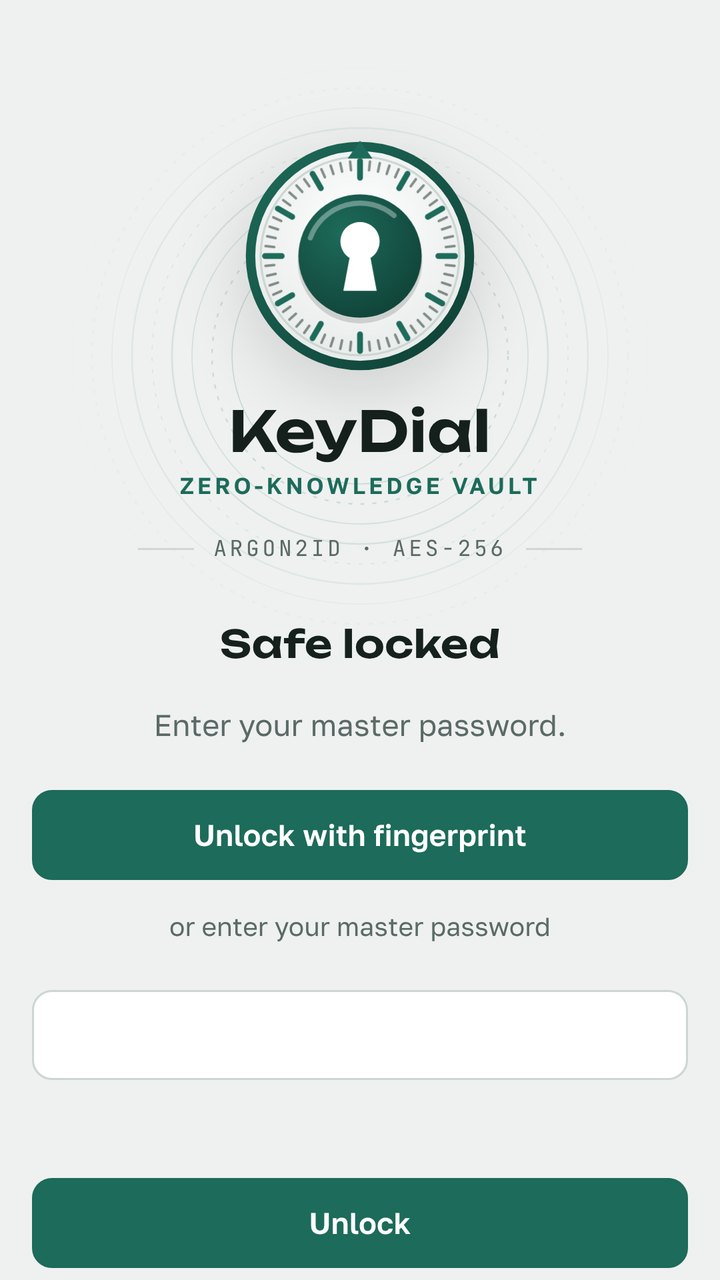
Everything you keep in your head, kept in a safe.
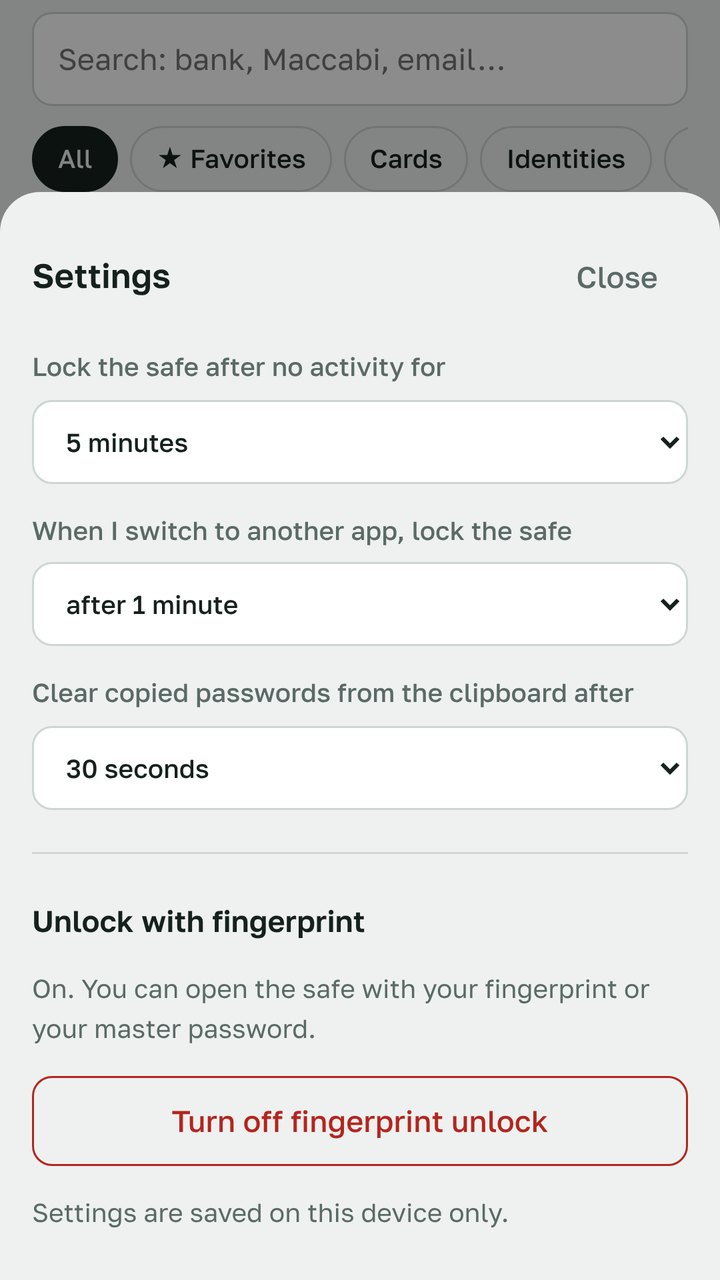
Fingerprint unlock
The key is sealed in your phone's secure hardware. Needs Android 11 or later.
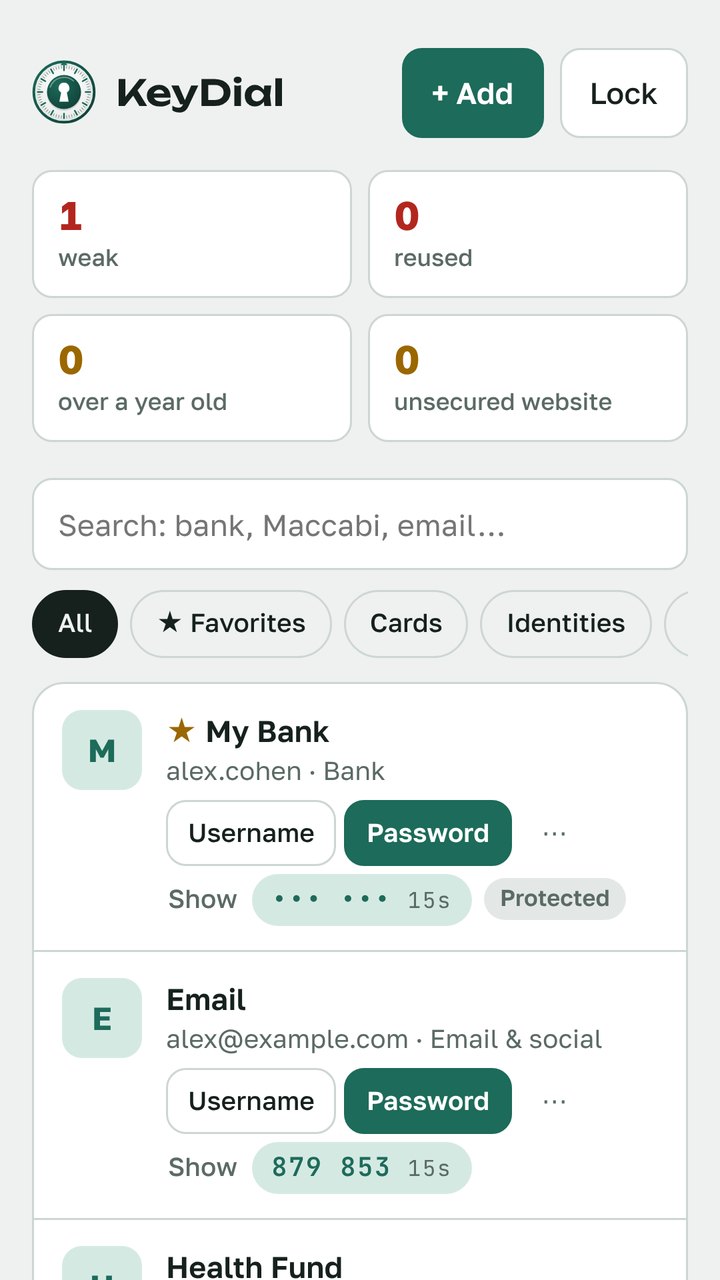
2FA codes built in
Six-digit sign-in codes for your email and bank, right next to the password.
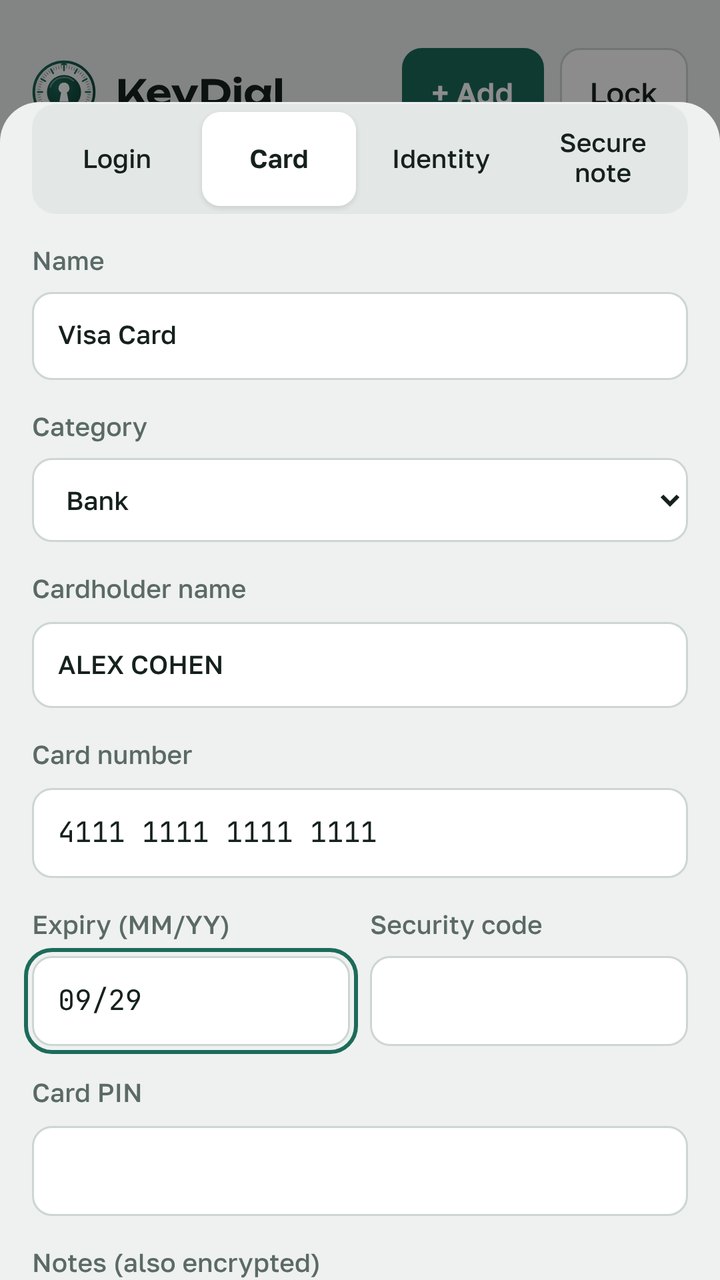
Cards and documents
Bank cards, identity details and secure notes, each entry encrypted on its own.
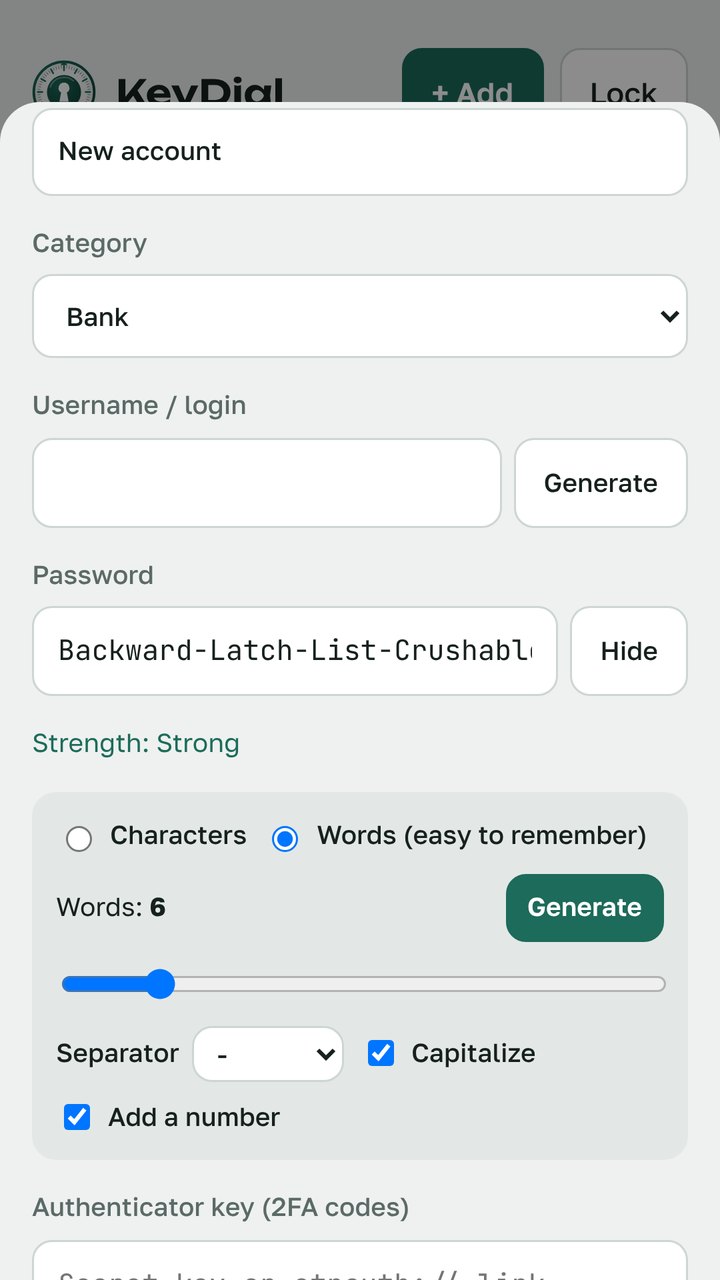
Password generator
Random characters, or easy-to-remember phrases from a 7,776-word list.
Password health report
Finds weak, reused and old passwords, and sites without a secure connection.
Encrypted backup
One file you can keep anywhere. Import from your browser or another password manager (.csv).
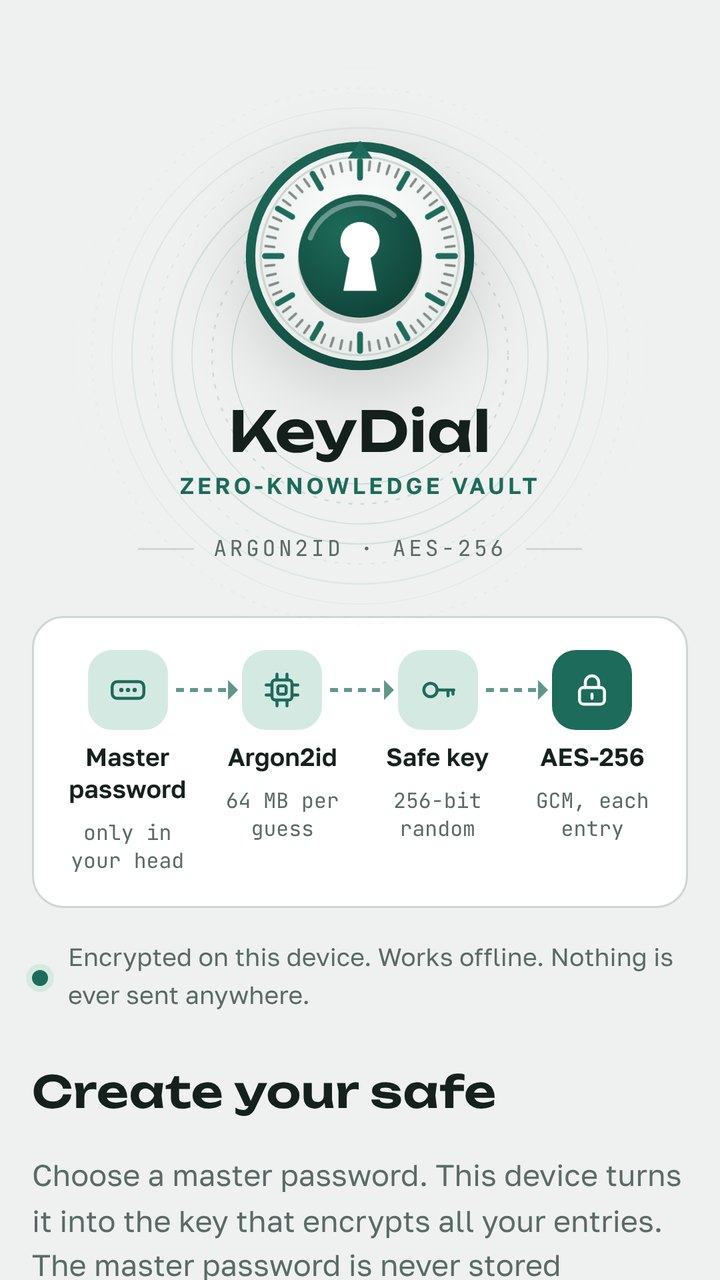
How your safe is locked
Four steps happen on your phone every time you open KeyDial. Nothing leaves the device.
Your master password is never stored. Without it nobody can open the safe, including the developer. Data that has been changed or damaged is detected and refused. Guessing the master password is slow on purpose: every single attempt costs 64 MB of memory and three passes.
- Screenshots and screen recording blocked
- Clipboard clears itself after copying
- Locks itself when you leave the app
- Android cloud backup of the safe turned off
See KeyDial at work
Pay once. No subscription.
KeyDial
- Up to 50 entries
- All security features, fingerprint and PIN
- Password generator
- Encrypted backup, import and export
KeyDial Pro
- Unlimited entries
- 2FA codes
- Password health report
- Custom fields and password history
KeyDial for computer
- Works offline on your computer
- Opens from its own desktop icon
- Same encryption as the phone app
- Moves data with the backup file
Before you trust us with your passwords
What happens if I forget my master password?
Nobody can recover it, including the developer. That is what keeps the safe private. Save an encrypted backup and keep the master password written down somewhere safe at home.
How do I move to a new phone?
In Settings tap Save backup file, copy the file to the new phone, install KeyDial and choose Import backup. You will need the same master password.
Why is there no cloud sync?
Your passwords never leave your device, so there is no server to break into and no account to steal. You move data yourself with the encrypted backup file.
Does KeyDial see my fingerprint?
No. Android checks the fingerprint itself. KeyDial only gets the safe key back from the phone's secure hardware after a successful check. If a new fingerprint is added to the phone, fingerprint unlock turns itself off.
Is there a subscription?
No. KeyDial is free to download, and KeyDial Pro is a single purchase.